Your Blender camera view, as a client-ready concept render.
One click in the N-panel. Partilock keeps the same massing, windows, doors and camera, checks every render for drift, and retries failed ones without charging you.
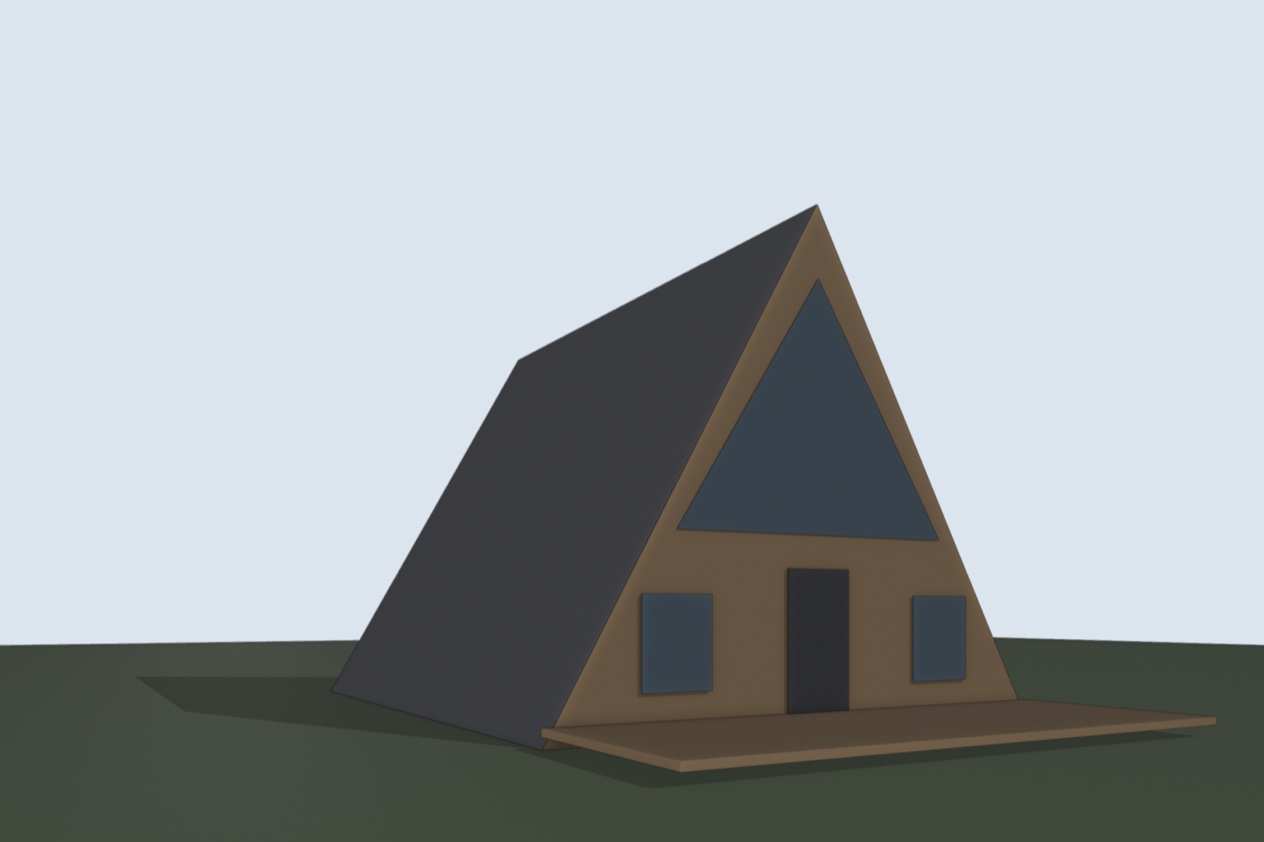
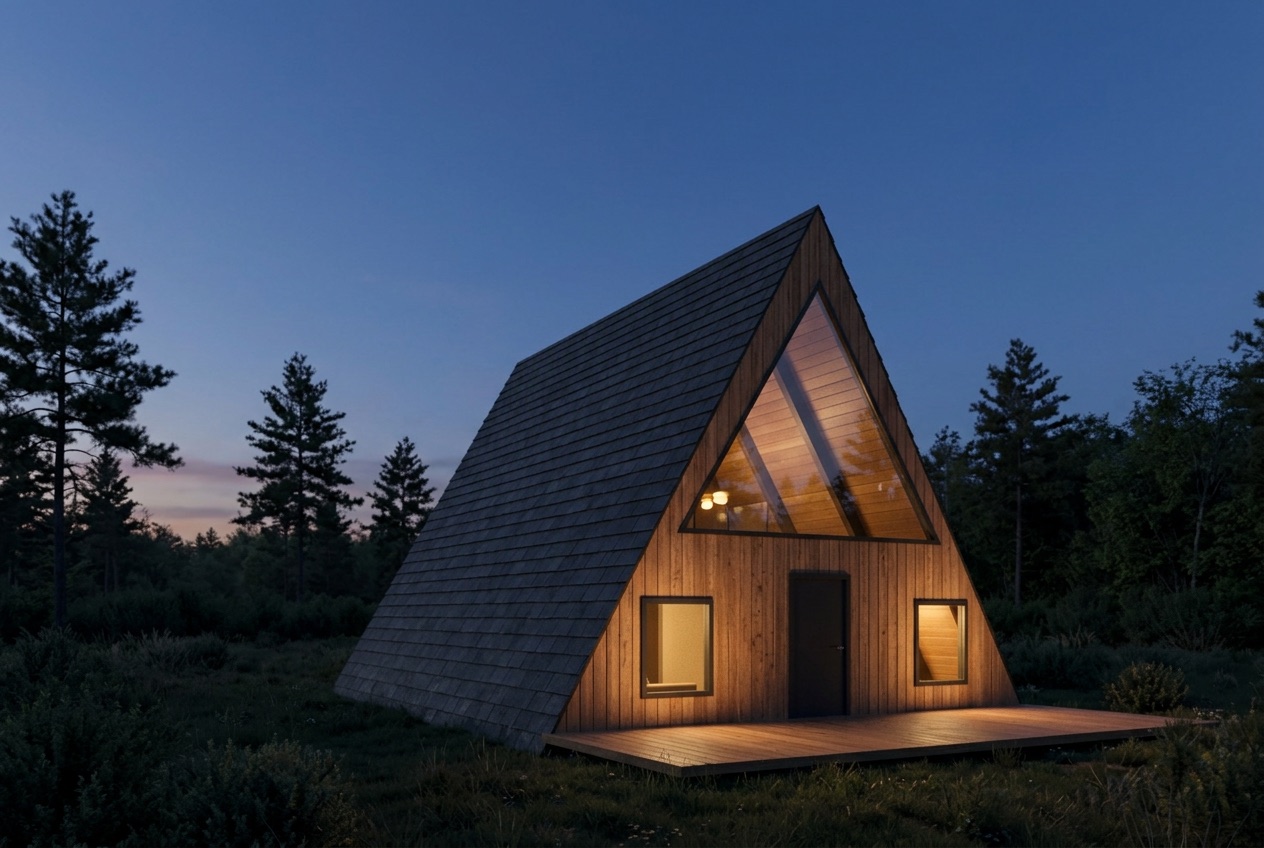
How it works
- Install the add-on and open the Partilock tab in the 3D viewport's sidebar.
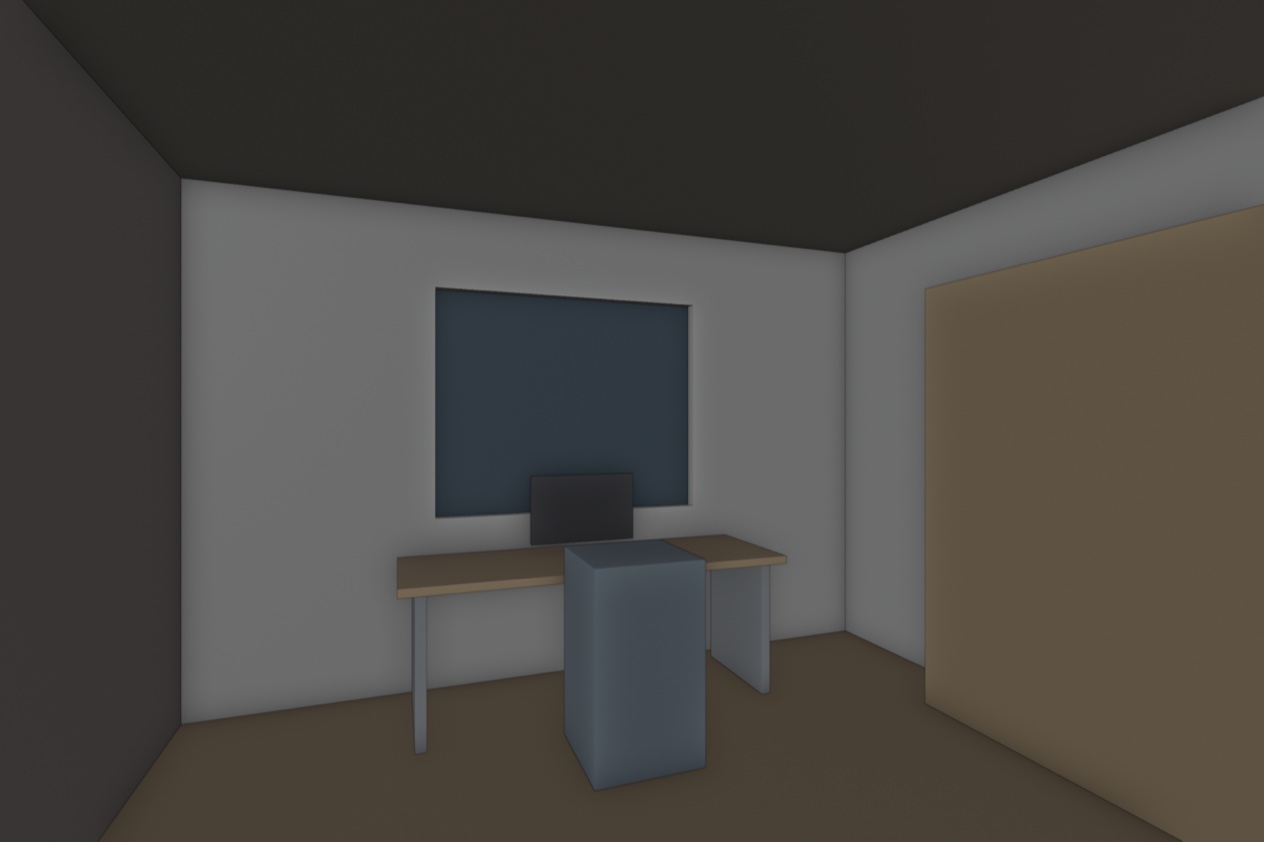
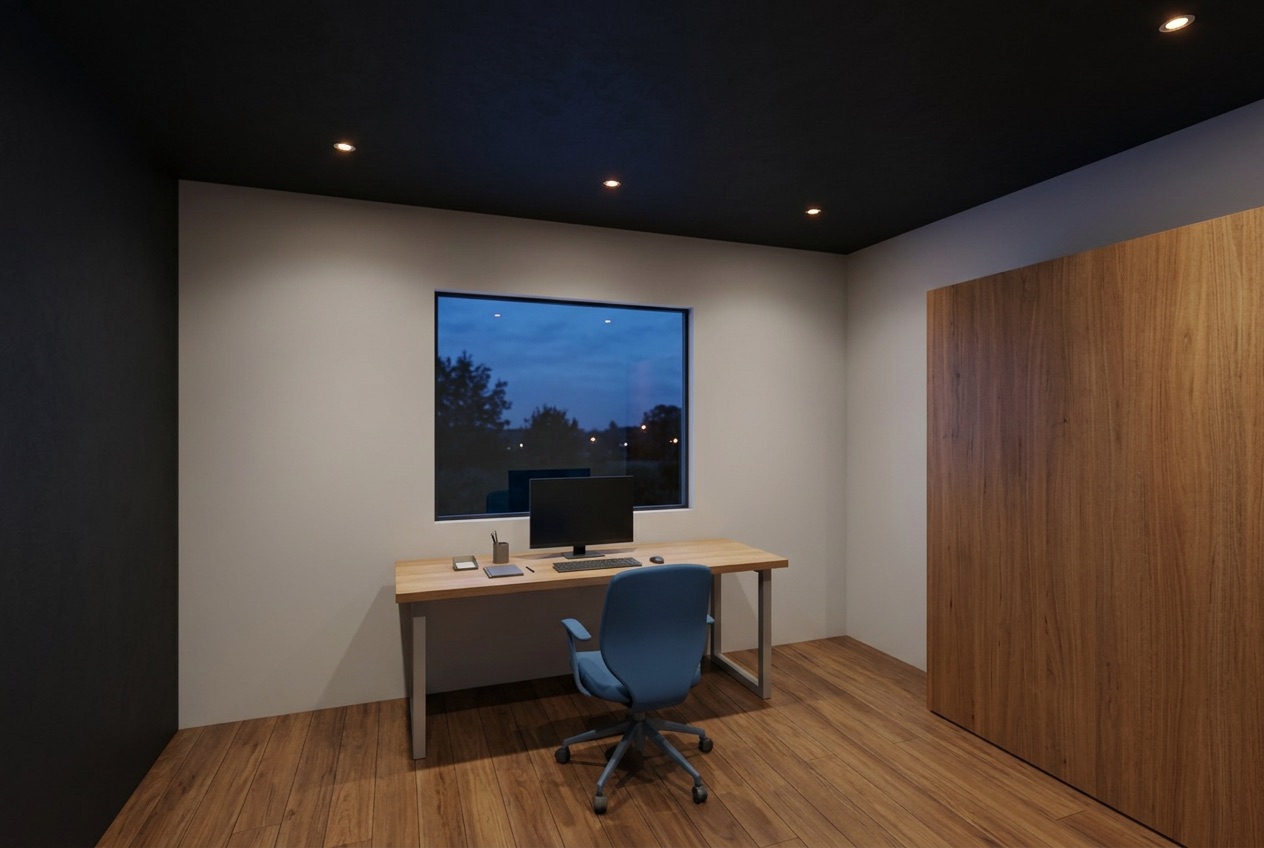
- Pick exterior or interior, day or dusk. For interiors, type the room: "dining room", "office", "kitchen".
- Click Render camera view. In 20 to 60 seconds the render opens in the Image Editor and is saved next to your .blend.
- Toggle before and after. If it changed your building, re-render it free.
What it does, and what it doesn't
- Same massing, windows, doors and camera. Every render is checked for drift by comparing it with your model's silhouette and openings, plus a second AI check of storeys, windows, doors and roof.
- Failed or flagged renders are retried once and never charged.
- It may add small fittings such as gutters or railings. Check before you send it to a client.
- Image only, not geometry. Your model and scene settings aren't changed.
- Tested on macOS with Blender 4.5. Windows is untested for now.
Pricing
No subscription. Buy a pack from the panel's Buy credits buttons so the renders land on your key. Packs are valid for 12 months. Every new key gets 5 free renders.
| Pack | Price | Per render |
|---|---|---|
| 45 renders | $15 | $0.33 |
| 120 renders | $39 | $0.33 |
| 305 renders | $99 | $0.32 |
Stripe adds any sales tax or VAT at checkout. Unused renders can be refunded within 14 days of purchase (refund policy).